MapsCircuit, Desktop, Stadium OvalCircuit II, Arena limited
Game ModesFree RideSteerball limitedXP, Time Attack signed limited
Cars3
Simulation mode—
Leaderboard✓ signed limited
AdsOccasional pop-ups
BEST VALUE
PREMIUM
The real thing
Maps+ Flat-track, + Rallycross more coming
Game Modes+ Race, + Time Attack, + XP
Cars3 more coming
Simulation mode✓
Leaderboard✓ Global
AdsNo pop-up ads
$6.90
One-time purchase
★$6.90 for the first 100 — then it goes up
THE ROAD AHEAD
More cars
Rallycross cars — and more
More maps
Rallycross tracks — and more
More game modes
Solo challenges + party modes: Tag, Steerball, and more
Tournaments & prizes
Compete for real prizes
Merch
Official Steer It merch store
Steam release
Coming to Steam — if there's demand
WHAT IS STEER IT?
Steer It is a free browser party game built for the room you're
actually in. One person opens the game on any device with a modern browser — a laptop,
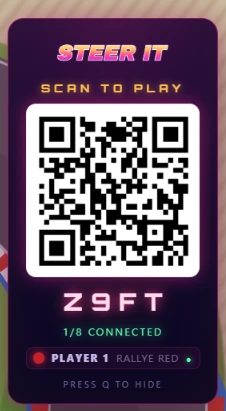
desktop or tablet (and smart TVs with a capable browser) — everyone else scans the QR
code, and each phone instantly becomes a steering wheel. There's nothing to download,
nothing to install and no controllers to hunt for — if you can open a web page, you can race.
Local multiplayer without the splitscreen
Traditional splitscreen games chop one screen into halves and
quarters until nobody can see the track. Steer It doesn't have to: because every
player brings their own phone as a controller, up to 8 cars share one full-size
screen. It's the couch feeling of the best local multiplayer games
with none of the squinting — made for parties, classrooms, offices and family nights.
Drift racing with real physics
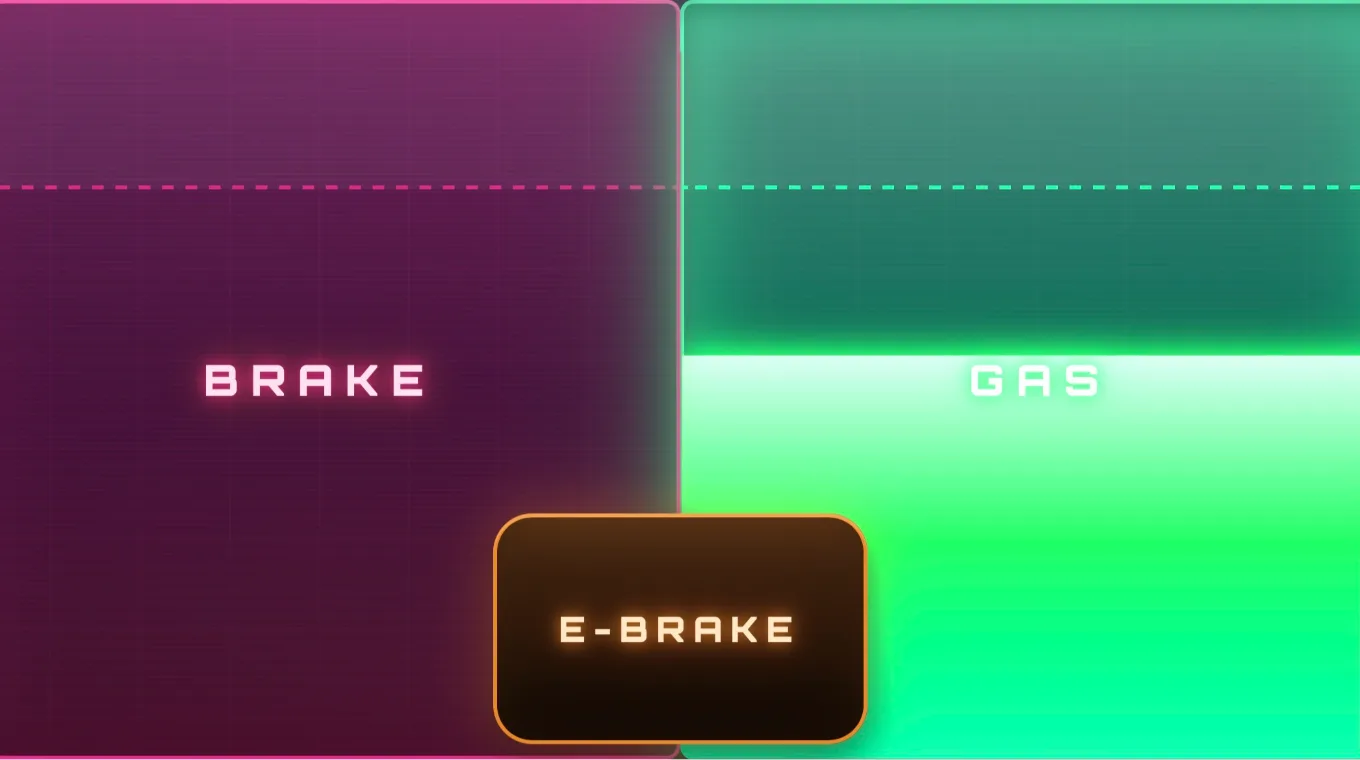
Tilt your phone to steer and use the on-screen gas, brake and handbrake pedals.
Underneath the arcade paint is a proper per-wheel physics model, so these are
drift games mechanics you can actually feel — flick the car in,
catch the slide with a bit of countersteer, and power out. Race across a fake
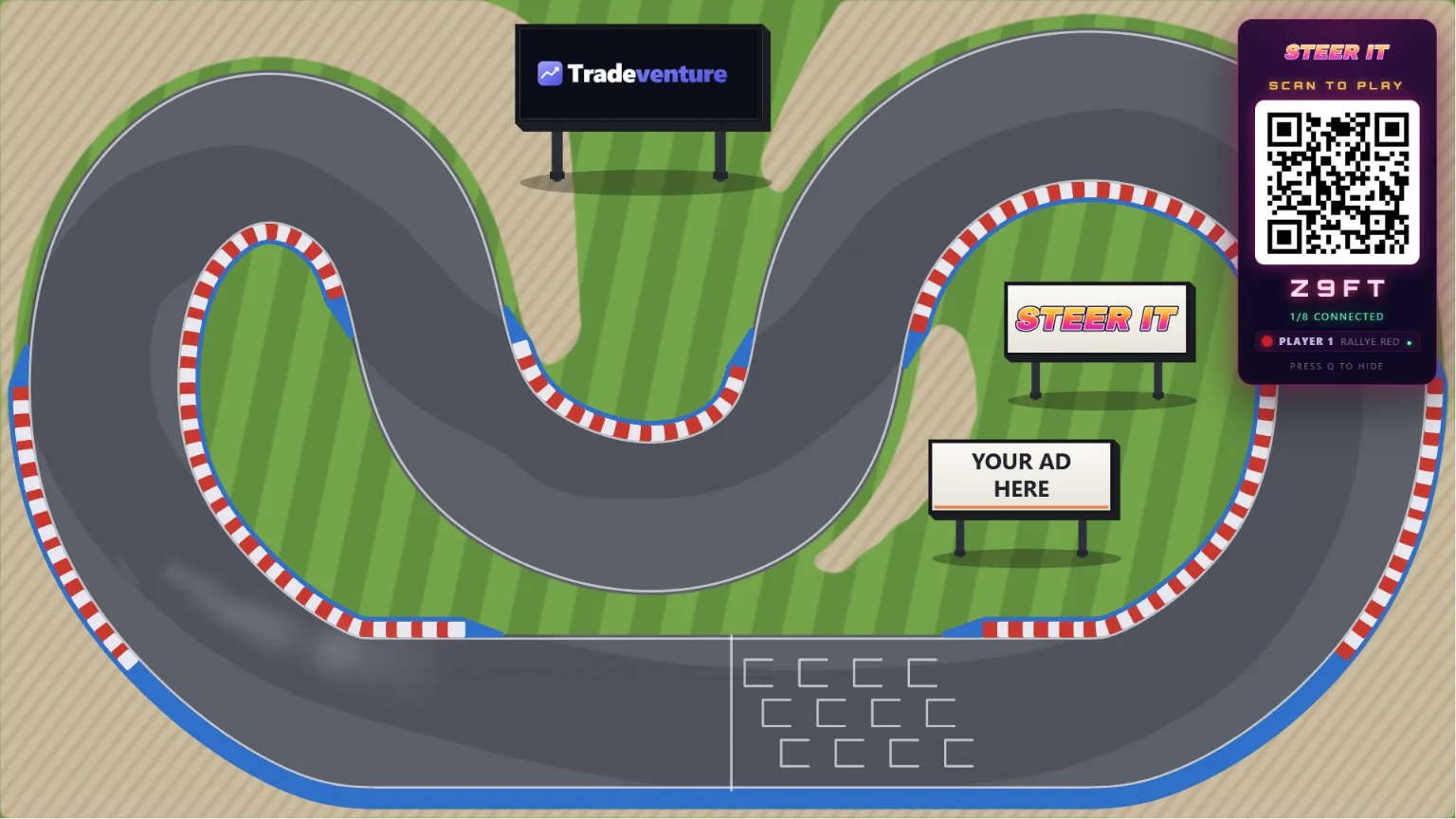
desktop, a stadium oval or a winding circuit.
One of the easiest online games to play with friends
No accounts, no lobbies and no app store. Steer It is free to play, and a
one-time $6.90 upgrade unlocks every map and game mode, simulation mode and
leaderboards. Whether you're after multiplayer racing games for a
party or just free browser games to kill ten minutes, it takes
about fifteen seconds to get everyone driving.
WHAT PLAYERS SAY
Reviewers receive Premium free for leaving an honest review — any rating qualifies.
COMMON QUESTIONS
How do you play games with friends on one screen?
One person opens Steer It on a laptop, desktop or tablet, and everyone else scans the on-screen QR code — each phone becomes a steering wheel. Up to 8 of you then race on that one shared screen. It's a local multiplayer party game: you're all in the same room on one display, with no splitscreen and no extra controllers.
Do I need to download anything?
No. Steer It runs entirely in the browser — the host just opens a web page and players join by scanning a QR code with their phone camera. There's nothing to install on the screen or on anyone's phone, and no app store.
How many players can play?
Two to eight players share one screen, each using their own phone as the controller. You can also drive on your own to practise or chase a lap time, but it's built for a group in the same room.
Does it work on a TV?
You can host on any device with a modern browser, including smart TVs with a capable browser. The most reliable way to play on a TV is to plug in a laptop or mini-PC — a browser you know works; some smart-TV browsers may run it directly, but that varies by set. Either way, everyone's phones join the same way and the whole room watches on the big screen.
Do I need an account?
No account is needed to start driving — Free Ride works the moment you open the page. Signing in is free and unlocks Time Attack, XP and the global leaderboard; premium is a separate one-time purchase for all the maps, modes and simulation cars.
Do we all need to be on the same wifi?
It's smoothest when everyone's on the same wifi, which is the normal setup for a party in one room. Phones connect directly to the host where they can and fall back to the internet if needed, so mobile data can work too — but same-wifi gives the lowest lag.
What do I need to play?
One screen with a modern web browser — a laptop, desktop or tablet (or a smart TV with a capable browser) — and a phone for each player. That's it: no console, no controllers, no downloads. Scan the QR code with your phone's camera and you're the wheel.
Your phone is the wheel — tilt to steer, on-screen GAS / BRAKE / E-BRAKE.
Custom bindings & sensitivity are coming soon.
LEGAL
Redirecting to payment…
LEADERBOARD
TIME ATTACK
Sign in to submit your times.
RACE A GHOST
TIME ATTACK
Tap a time to race that player's ghost. Greyed times have no recorded ghost.
Before you buy
Steer It Premium is a one-time $6.90 purchase. It is
digital content unlocked on your account
immediately after payment. See our
Refund Policy and
Terms.
5
★ PREMIUM
UNLOCK THE FULL GAME
All maps
All modes
Simulation mode
Global leaderboards
No pop-up ads
$6.90 one-time
Enjoying it?
Sign in free to save your lap times to the global leaderboard and race other players' ghosts.
Nice lap!
Open on a bigger screen
Steer It is a shared-screen party game — the big screen is the racetrack
everyone watches. Open it on a laptop, desktop, or tablet.
Your phone is the controller. Scan the QR code and tilt your phone to steer
your car — grab some friends and drift across the desktop!
CHOOSE MODE
SELECT
CAR
MAP
MODE
LAPS
PERSONAL BEST—
GHOST
LOG IN
Only the host needs an account — players just scan the QR.
or
RESET PASSWORD
We'll email you a link to set a new password.
SET NEW PASSWORD
PICK A NICKNAME
This is the name other players see. You can change it later.
ACCOUNT
—
Nickname: —
FREEDesktop & Asphalt Oval · Free Ride
★ PREMIUM
Unlock the full game
You found a premium track. Here's everything premium adds: